


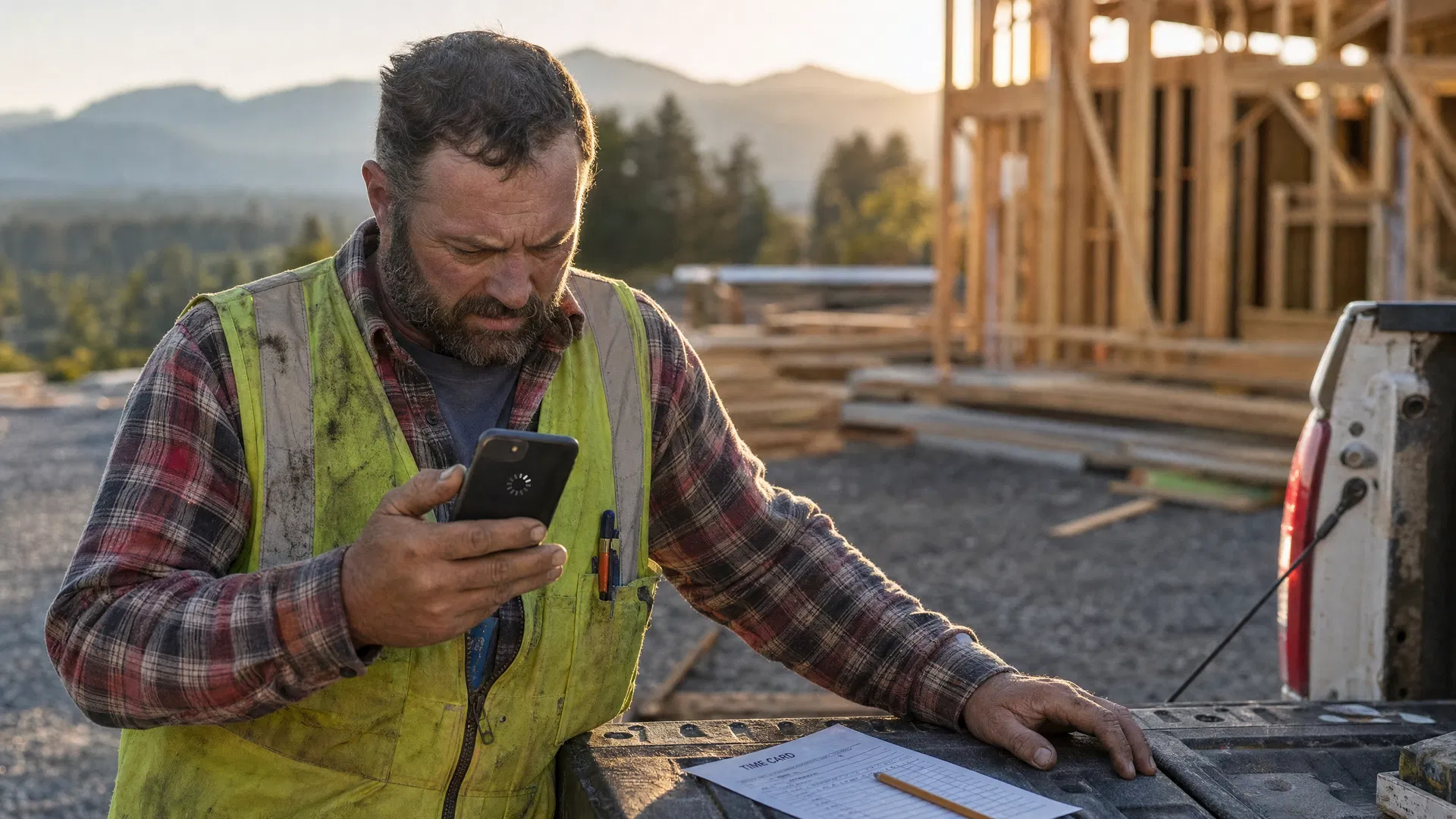
You bought the software. Maybe it was Buildertrend, maybe Procore, maybe Jobber. You sat through the demo, the dashboard looked clean, and the salesperson swore your crews would love it. Three months later you log in and your lead framer has opened the app twice. The job photos are still landing in your text messages. The change order from the Lebanon job is still written on the back of a dump ticket in somebody's truck.
So you figure the crew is being stubborn. I've watched a lot of contractors land on that same conclusion, and most of the time it's wrong. Your guys aren't refusing the app because they hate technology. They're refusing it because nobody set it up to work the way they work. I've been the IT guy on enough of these rollouts to see the same five things kill adoption every time. Let me walk through what's actually going on, and what I've seen turn it around.
The office picked it, so the office is the only one who likes it
Most software gets chosen in the office. The owner and the office manager look at reporting, scheduling, invoicing. All the stuff that makes their day easier. Nobody hands the phone to the foreman before the contract gets signed and asks him to log a full day's hours standing in the mud. So the tool ends up great for the people who bought it and a pain for the people who have to feed it. If the field never had a say, the field never buys in. It isn't stubbornness. The app just solves the office's problem and adds to theirs.
The signal drops and the app gives up
Half the jobs around here sit somewhere the cell signal doesn't reach. Out past Lebanon, up in the Coast Range, inside a metal building with a tin roof. Your guy pulls up the app to upload ten photos and a note, the bars disappear, the screen spins, and it loses everything he just typed. He's not going to do that twice. He's going back to texting you the photos, because a text sits in the outbox and sends itself when he hits pavement. If the software can't work offline and sync later, it can't work on a real job site.
Every simple thing takes too many taps
Watch a tired framer try to log hours at four in the afternoon. Open the app, wait for it to load, find the job, find the cost code, scroll, type, confirm, back out. Six taps to do something a paper time card did in one line. End of the day, sore and ready to go home, he's going to pick the fast thing every time. The paper card wins because the app made the easy thing hard.
The foreman doesn't use it, so nobody does
This is the big one. Your crew watches the foreman. If he's still running the job off his memory and a text thread, that's the system, no matter what you paid for. I have never once seen a field crew adopt software the foreman ignored. And I've seen plenty of crews pick up a tool fast because the foreman actually used it in front of them and expected the same back. The whole thing rises or falls on that one guy.
It added work and took nothing off their plate
Your crew is running a quiet test in their heads, whether they say it out loud or not. Does this app make my day easier, or just yours? If the answer is that they do more typing so you get cleaner reports, they'll drag their feet, and I don't really blame them. The tools that stick are the ones that give the field something back. Faster pay. Proof of the change order so they're not eating a cost that wasn't theirs.
So what actually works
Start with the foreman. Before you commit to anything, put the app in his hands on a real job for a week. If he won't use it, the crew never will, and you found that out for the price of a free trial instead of a year's subscription. Once he's in, don't dump all forty features on everybody at once. Pick the one thing the field already cares about — daily hours or job photos — and make that the only thing they have to do for the first month. Get one habit to stick before you reach for the next.
The rest is mechanics. Make sure whatever you run works offline and syncs once it's back in range, because a tool that needs five bars in the Coast Range is a tool your crew can't use. Get them signed in through the Microsoft 365 account they already have, so nobody's locked out and texting you for a password reset at six in the morning.
And tie the whole thing to something they want. The crews that pick it up fastest are the ones where the app is how the hours get in so the check lands on time, or how a guy covers himself when the GC claims he never called in the change. Make the app the short road to getting paid and not getting blamed, and you stop having to nag anybody.
Quick rollout checklist
- 1Put the app in the foreman's hands first. If he won't use it, stop there.
- 2Pick one feature only for the first month. Hours or photos. Not both.
- 3Confirm the app works offline before you roll it out to the crew.
- 4Set up single sign-on through Microsoft 365 so nobody gets locked out.
- 5Connect the app to something the crew cares about. Payroll. Change order protection.
None of this is about buying better software. What you have is probably fine. The rollout is the part that went sideways. Get the foreman bought in, cut the steps, fix the signal, and connect the thing to a paycheck, and the same app your guys ignored for three months quietly starts getting used.
Related reading
Before I overstep — this is the kind of conversation I have with contractors around the Willamette Valley all the time. If you want to sit down for thirty minutes and talk through how to get your field crew actually using the software you already pay for, I'm based in Albany and happy to drive out to your office. No pitch, no obligation. Just a real conversation. Schedule a free assessment.
Andrew Allen, Taggerung Solutions
Local IT support for Oregon businesses. Based in Albany, serving the Willamette Valley. (541) 702-8607