



Start Using AI the Right Way
A lot of owners tell me they want to use AI but don't know where to start, and they're not ready to bring anyone in yet. So I wrote down what I'd tell them. Five days, about fifteen minutes each, and every day uses a real task from your own week.
Send Me the Guide- Works with ChatGPT, Claude, Copilot or Gemini
- Written for owners and the office staff who keep them running
- No software to buy
- Comes with a starter folder of templates
Andrew Allen, Taggerung Solutions, Albany, Oregon
Here's your guide
Start with Day 1 whenever you have fifteen minutes. Grab whichever version suits how you work, or both. The starter folder is a small zip file. Unzip it and move the AI Notes folder into Documents, and Day 3 will tell you what to do with it.
If you'd rather print it and write on it.
Opens in your browser. Tick off each day and copy the templates with one click.
The template files Day 3 walks you through.
A copy of all three links is on its way to your inbox. Watch for a short email each morning for Days 2 through 5.
What's in It
Five Days, One Step Each
Each day ends with a short task labelled "Today's fifteen minutes." Do them in order. Each one builds on the day before.


- Day 1
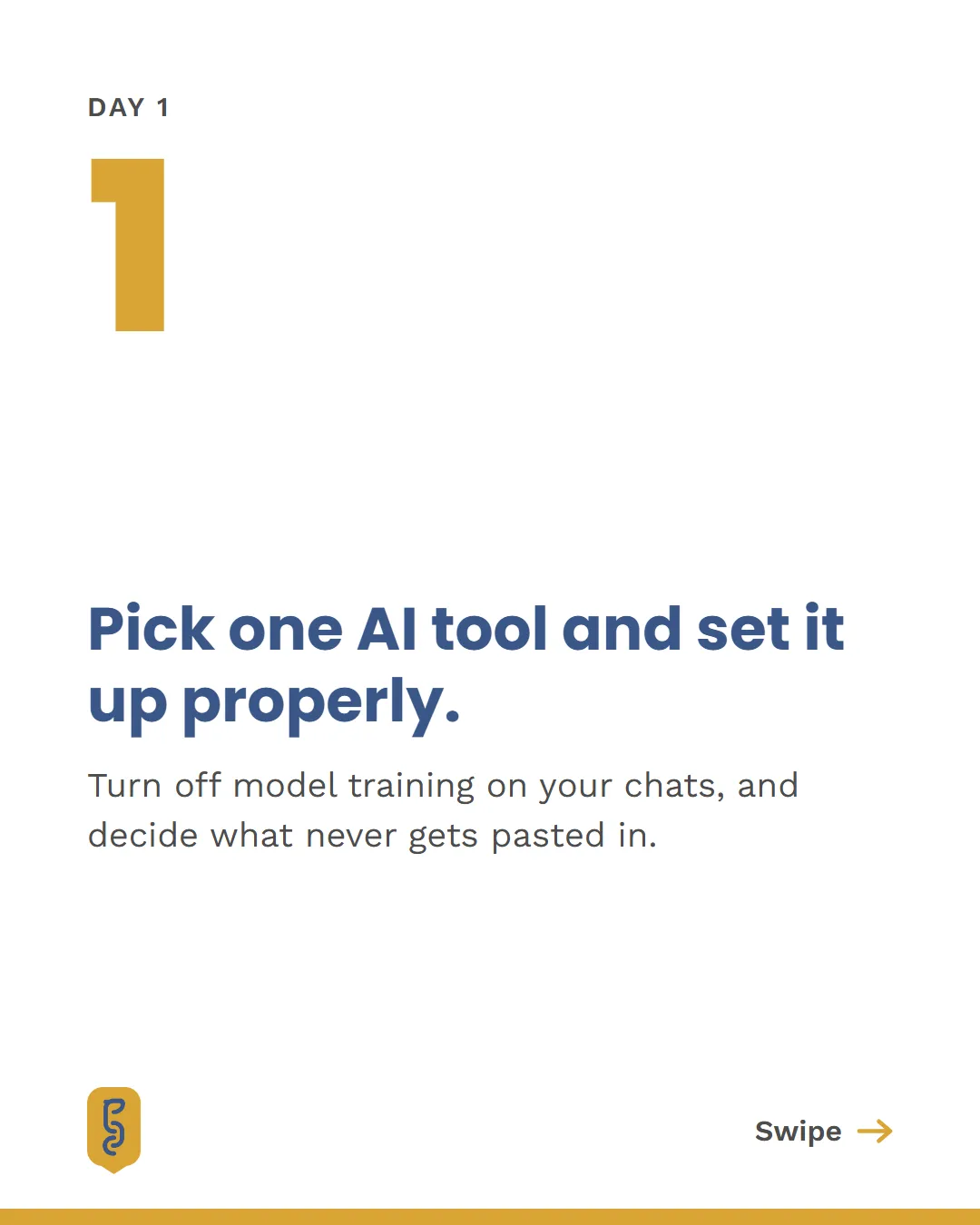
Pick one AI tool and set it up properly
Choose one and stay with it for the week. Turn off training on your chats, and write down what never gets pasted in: passwords, bank numbers, payroll, and anything a GC gave you under a confidentiality agreement.
- Day 2
Brief it like a new hire on their first day
You wouldn't hand a new office admin a sticky note that says "write a follow-up." Day 2 covers the four things every request needs, and the one line that gets the AI to ask you questions before it writes anything.
- Day 3
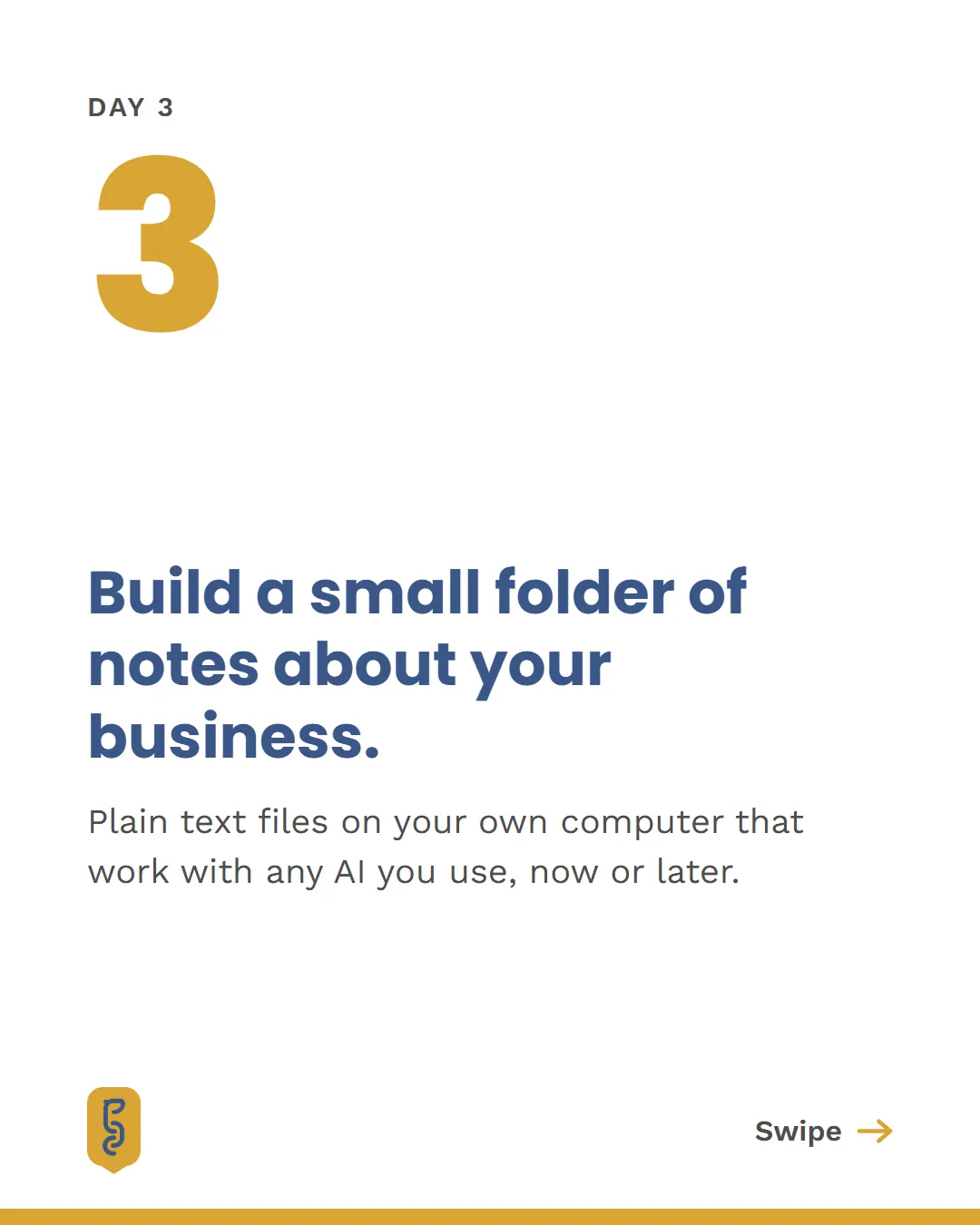
Build a small folder of notes about your business
Write down who you are, how you price and how you talk, once, in plain files on your own computer. Attach them to ChatGPT today or Copilot next year and you get the same head start in both. This is the day I'd push hardest on.
- Day 4
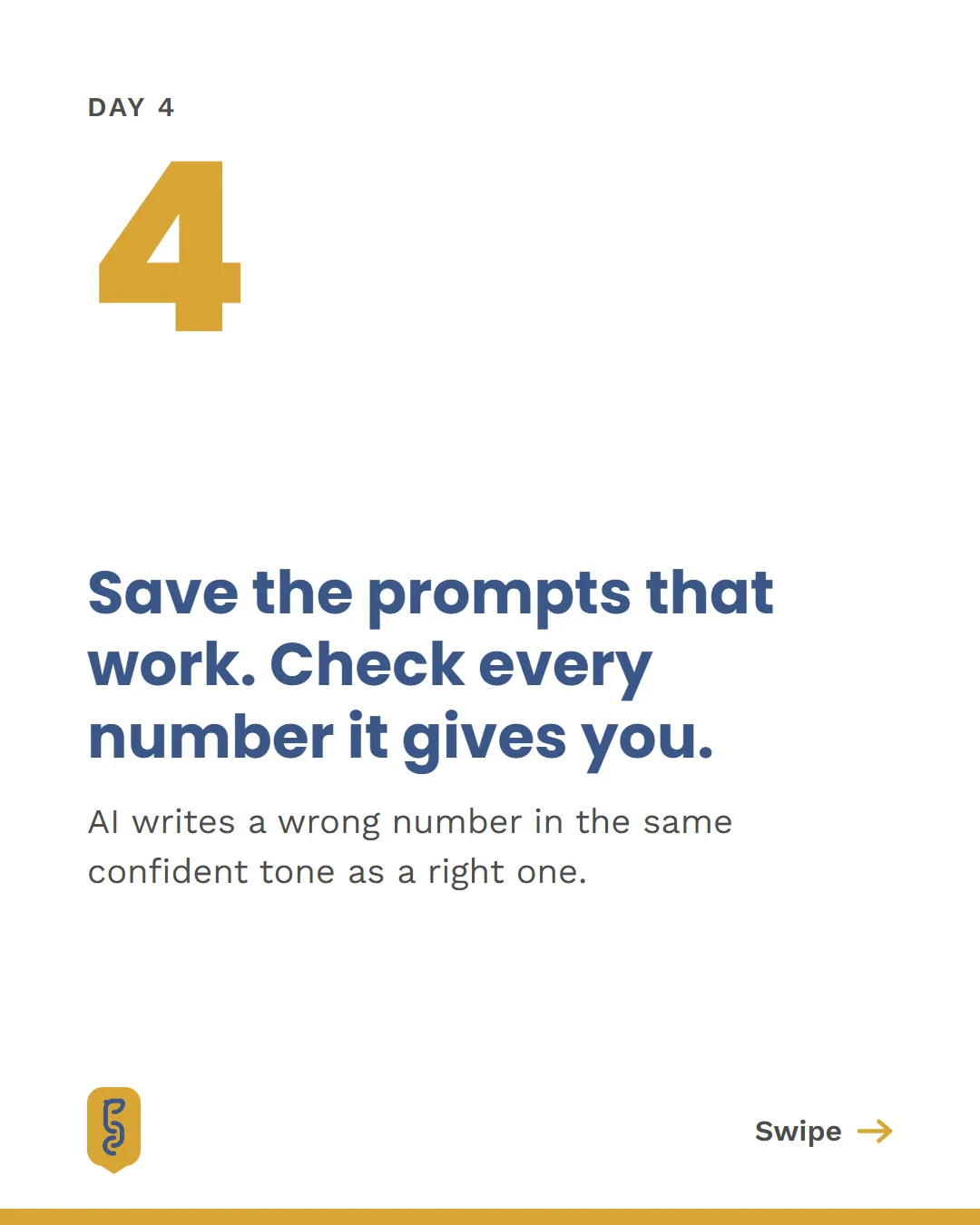
Save the prompts that work, and check what it gives you
Save a good request with blanks where the details change, like the one that turns a voice memo from the drive home into a job update for the homeowner. Then check every number, name and promise before it goes out with your name on it.
- Day 5
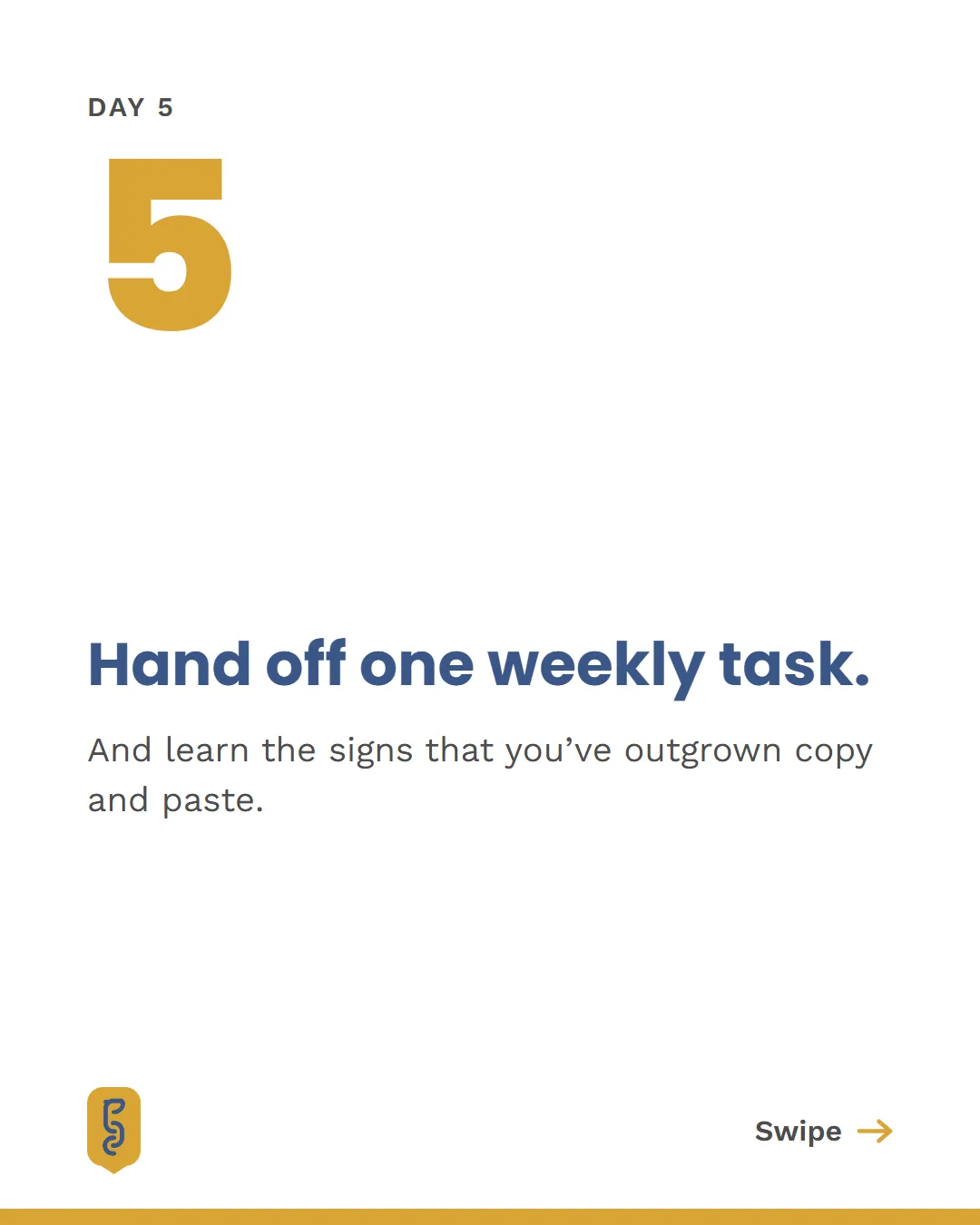
Hand off one weekly task
Pick something you do every week the same way, like the Friday recap of open jobs or follow-ups on estimates that went out more than a week ago. Write the prompt once, save it, and put it on your calendar.
Comes With the AI Notes Starter Folder
Day 3 has you build a folder of notes about your business. The starter folder has every file already made and ready to fill in, so you start from a template instead of a blank page.
- About my business: who you are, where you work, CCB number, payment terms
- How we write, services and pricing, and the customers you want more of
- Saved prompts for estimate follow-ups, job recaps and review replies
- An example job folder for scope, changes and what was promised
When You're Ready for AI That Reads Your Real Systems
The guide runs on you carrying information to the AI by hand, and that works for a while. When you want to ask who still owes you money and get the answer from your real books, that's the work we do. We connect your accounting, scheduling, email and phones to AI, and your AI Notes folder carries straight over.
See how AI & Automation works